
Monday, 7:14am. In the van.
Your business
is in scraps.
A quote waiting at 9pm, a cash payment you meant to write down, an extra job buried in a text. Send a WhatsApp message, check your quote and share its link for your customer to accept.
Your first 3 quotes are free on WhatsApp.
Voice in
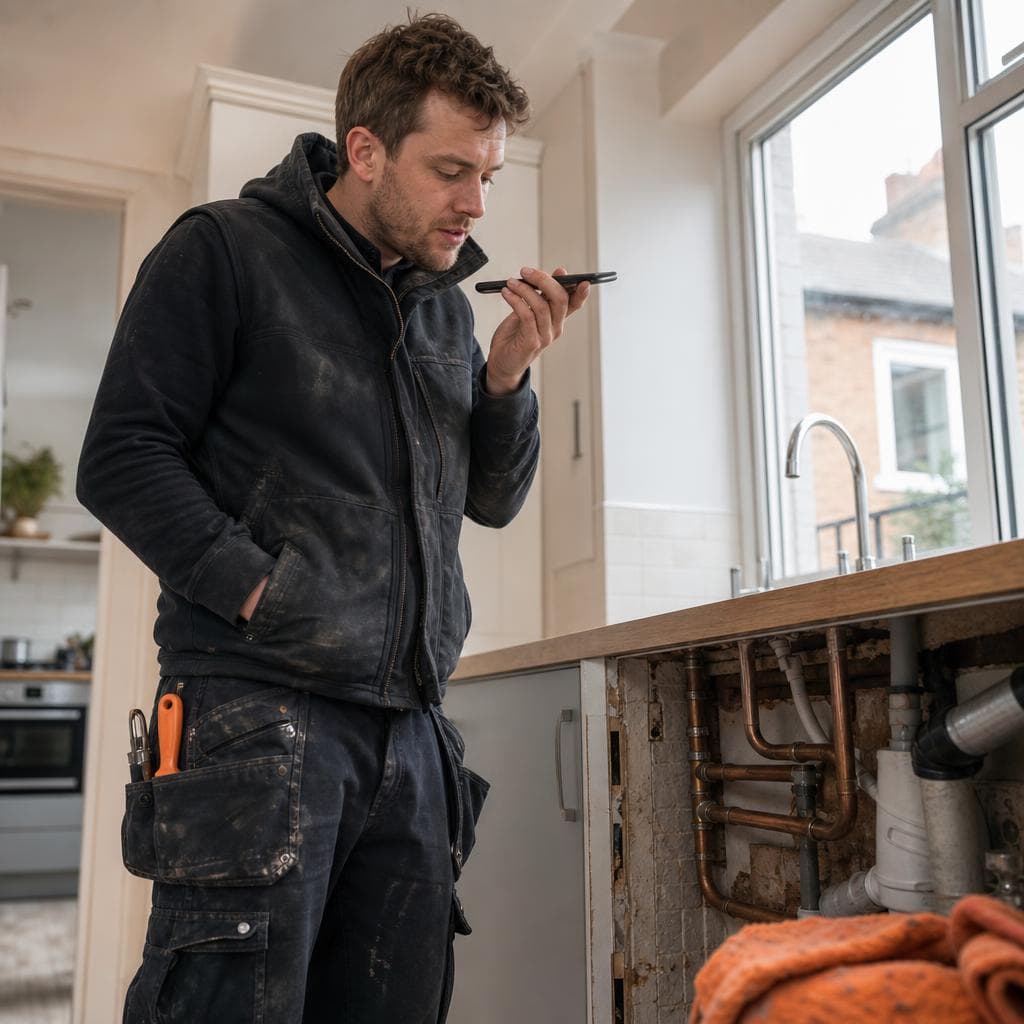
Contractor sends a WhatsApp voice note
0:15“Rewire kitchen, new fuse board, £850, 20% deposit upfront.”
Instant PDF
Bot reply · about 15 seconds later*
Barry Electrics
Estimate #1042
Draft- Rewire kitchen
- Included
- New fuse board
- Included
- Total
- £850
- Deposit (20%)
- £170
- Remainder
- £680
You review and approve this before anything is shared with your customer.
Customer link
Customer accepts, then sees bank details
Quote for you
Rewire kitchen and new fuse board.
£850
Deposit £170 now, £680 remainder.
Accept to see the contractor’s BACS details. Pay directly from your own banking app.
1-tap BACS details
Sort code · ••-••-••Account number · ••••••••
Illustrative example. *Response times vary. Bank details are optional and shown after acceptance.
See it in under a minute
Quote in WhatsApp. Get extras agreed.
Speak the job, check the quote and forward it yourself. Your customer approves the work before you start.
Illustrative demo with AI-generated actors and fictional quote details.
Your quote on both phones
From a quote to a clear balance.
Check your quote, share the link and let your customer approve.
Full details
Type or speak the job, check the quote and share its link yourself. Your customer can approve the work and use your bank details for a direct transfer.
Dan · contractor
Capture, check, share, confirm
01 / Capture the quote
Tell it the job details
Choose how Dan enters the same quote. These are two ways to start, not two messages he has to send.
Dan types in WhatsApp
New quote for Sarah Holt at 7 Park Lane. Reroute boiler flue and fit offset. £2400 plus VAT, 30% deposit.
Illustrative WhatsApp conversation. Dan sends the details to SpeakMyQuote himself; the next screen shows the quote he reviews. Nothing is sent from this preview.
02 / Edit the quote
Sarah Holt · 7 Park Lane
Example uses 20% VAT and a 30% deposit. Dan reviews the scope, price and VAT before sharing.
03 / Open WhatsApp draft
Send it when you are ready
Dan opens a prepared WhatsApp draft addressed to Sarah. He can review or edit it before pressing Send in WhatsApp himself.
04 / Check payment
Dan checks the deposit
Sarah copies Dan's BACS sort code and account number into her own banking app and pays him directly. Dan checks his bank before recording receipt.
SpeakMyQuote displays Dan's bank details and records what he confirms. It does not take deposits, collect final payments or initiate bank transfers.
No bank transfer confirmed yet.
Swipe, scroll or focus the phone and use arrow keys. Each phone moves separately.
Sarah · customer
Message, approve, bank transfer
01 / WhatsApp message
Message from Dan
View Sarah's quote →
Illustrative received message, not a live WhatsApp chat. Dan chooses when to send the real link.
02 / Browser approval
Read before approving
Reroute boiler flue and fit offset
Deposit requested: £864.00. No app or account needed to view this example.
03 / Payment summary
What is due, and what remains
Deposit due now: £864.00
Approve the quote first to see the contractor's bank-transfer instructions.
Swipe, scroll or focus the phone and use arrow keys. Each phone moves separately.
Chapter 2 · The tidy-up
Now watch the mess
sort itself out.
All of it.
The receipt, the sticky note, the text you meant to answer.
Gathered up.
Every job, price and message pulled onto one customer record.
Exactly where it should be.
Who is waiting on a quote, who approved what, and who still owes you.
SpeakMyQuote · Customers
Sarah Holt
Boiler flue · 7 Park Lane
£2,316 due
Priya Patel
Radiator valve · 22 Kirkstall Rd
Draft
Tom Reid
Kitchen tap · 3 Mill Close
£145 paid
Chapter 3 · Scope shield
“Can you add
a few sockets?”
Extras are where jobs quietly lose money. Quote the extra on site and get a yes on record before you pick up a tool.
Mid-job, the ask comes in
Sounds small. It is still more work than you priced.
From: Sarah Holt
While you're here, could you stick a couple more sockets in the kitchen? Shouldn't take long!
Extra work, its own price
Quoted on site. Agreed before you start.
Original job, already agreedUnchanged
Extra: 2 kitchen sockets£180.00
Approved by Sarah before work starts
Keep the original quote intact. Give every extra its own price and its own approval.
A quote from start to finish
Quote it. Agree it. Track it.
Example: Sarah accepts Dan’s quote, copies his BACS details and pays him through her own banking app. Dan checks his bank and records what he received. SpeakMyQuote does not collect or process the payment.
- Dan's phoneMon morning · In the van
Dan starts the quote
He enters the job in the web workspace, then checks the details before sharing. This is an example, not a turnaround-time promise.
Sarah Holt · 7 Park Lane. Reroute boiler flue and fit offset. £2,400 plus VAT, 30% deposit.
- Dan's phoneMon morning · Quote checked
He checks the quote, and it adds up
£2,400 + £480 VAT = £2,880. Deposit £864. He could change anything here. He doesn't need to.
Reroute boiler flue£2,400.00
VAT (20%)£480.00
Quote total£2,880.00
- Dan's phoneMon morning · Ready to share
He presses Send in his own WhatsApp
The message to Sarah is written for him, with the secure link. It only goes when his thumb says so.
Hi Sarah, your quote for the flue is here…
- Sarah's browserMon evening · On her sofa
Sarah copies Dan’s bank details into her banking app
Sarah accepts the quote, then sees Dan’s BACS sort code and account number. She pays the £864 deposit from her own banking app, directly to Dan. SpeakMyQuote only shows his details; it does not take the deposit. Dan checks his bank and records receipt.
Quote approved
Copy BACS details → pay £864 in your banking app
- Dan's phoneWed 11:10 · Under the floor
A joist is in the way. Dan asks before he does the extra
Two photos, £300 including VAT, sent the same way. Sarah approves on the same link, and replies in WhatsApp: "Thanks for the photos, go ahead."

Extra work+£300.00 · approved
- Sarah's browserFri 16:05 · Job done
Sarah pays the balance in her banking app
£2,880 + £300 − £864 = £2,316. Sarah uses Dan’s displayed bank details in her own banking app to pay him directly. SpeakMyQuote does not collect the final payment. Dan checks his bank, records receipt and creates a PDF payment record.
£2,316 received in Dan’s bank · recorded by Dan
Receipt PDF ready
That was one job. Picture every job looking like that.
Your first 3 real WhatsApp quotes are free and saved. Tell us your trading name, then send text or a voice note. Review your quote and share its link when you are ready. Add bank details afterwards or skip them. Your customer accepts, copies your bank details and pays you through their own banking app—not through SpeakMyQuote.
Keep track of your money
Know who owes you.
Watch it shrink.
See the deposit, approved extra and balance against the right customer. Your customer copies your bank details and pays you in their own banking app. Check your bank, then record what you received. SpeakMyQuote tracks the record; it does not collect deposits or final payments.
- Every customer's jobs, quotes and extras in one record
- Open jobs and what's outstanding, at a glance
- Payment reminders you review and send yourself
- Downloadable PDF records and receipts
Example dashboard · fictional demo
£420
Outstanding
Opens a draft for you to review. Nothing is sent automatically.
Next up
Sarah Holt (7 Park Lane)
Garden clean up · Planned today
All unpaid jobs (3)
Demo only. In the real dashboard this opens your full list in one tap.
Completed / archived jobs (12)
Demo only. In the real dashboard this opens your full list in one tap.
Customer directory (18)
Demo only. In the real dashboard this opens your full list in one tap.
Both ends of the chat
Easier for you.
Easier for them.
Dan gets his evenings back
- Get the paperwork out of the 9pm kitchen shift
- A written yes before any extra work starts
- See what is due and record cash or transfers
- Keeps using his own WhatsApp and his own number
Sarah knows where she stands
- A clear price with any applicable VAT shown
- Photos and a price before she's charged for extras
- Reads and approves in her browser without an account
- Can still just reply to Dan on WhatsApp
Why you won't go back to scraps
Quote from WhatsApp
Send the job by text or voice in WhatsApp, check the scope and price, then decide when to share it. The dashboard is there when you want the full record.
"While you're here" stops being free
Extra work gets photos, a price and your customer's approval on the same job.
Every customer in one place
Quotes, extras, approvals, payments and history. One record each, not five apps.
See what's still owed
Deposits, extras and final balances add up for you. Record cash or a bank transfer after you confirm it.
They pay you in their own banking app
Customers accept the browser quote, copy your BACS sort code and account number (or IBAN for euro quotes), then pay you from their own banking app. SpeakMyQuote displays your details; it does not process their payment.
Your WhatsApp, your voice
Messages go from your phone when you press Send. Customers reply to you as normal.
Straight up: what SpeakMyQuote does not do today
- Message your customers by itself
- Submit tax or VAT returns for you
- Receive or hold your bank-transfer money
- Require account, card or bank details for the free phone trial
Two separate ways to start
Free WhatsApp phone trial · no signup
First 3 real quotes free.
Send START in WhatsApp and give your trading name. Type, use keyboard dictation or send a voice note. No account or card is needed. Review and approve each saved quote yourself, then share its web link or PDF when you choose. Add optional bank details after your first reviewed quote or reply SKIP; nothing is sent or charged automatically.
VAT registration Yes/No is required. Good / Better / Best needs three separately scoped and priced options. Suggested exclusions are for your review—not agreed terms.
Get my first free WhatsApp quoteChoose your plan
14 days free.
Cancel in a few taps.
A card starts the software trial, but payout details stay optional. Cancel from your dashboard before day 14 and you will not be charged.
Solo
PopularFor the one-person operation.
14 days free · card required · 1 user
Unlimited active jobs
Approval & payment records
Cancel from your dashboard
Start 14-day trialMulti-Crew
For teams who need everyone covered.
14 days free · card required · up to 5 crew
Everything in Solo
One shared project ledger
Cancel from your dashboard
Start 14-day trialData & privacy / HMRC
Your records. Straight answers.
No jargon and no ducking the awkward questions. Who sees your records, what happens with HMRC, and how cash jobs fit in.
How do my customers pay me?
Customers accept your shared quote, then see the bank details you added, including during the first-three-quotes WhatsApp trial. They copy your sort code and account number for UK BACS / Faster Payments, or your IBAN for euro quotes, into their own banking app and pay you directly. SpeakMyQuote does not take deposits, collect final payments, access their bank or initiate transfers. Check your bank before recording money received; approval or a customer saying they paid is not proof of receipt. Stripe is used only for your SpeakMyQuote software subscription.
Does SpeakMyQuote report my quotes or earnings to HMRC?
No. SpeakMyQuote does not report your quotes, earnings, cash jobs or payment records to HMRC or any other tax authority. It is an independent job-record tool, not a tax or VAT reporting service. You remain responsible for your own tax and VAT obligations and should get independent professional advice about them. We do not sell your data or use it for advertising. Trusted providers process limited data only where needed to run sign-in, WhatsApp intake, AI organisation, hosting and software-subscription billing.
Who can see my quotes, job notes and customer sign-offs?
Your workspace records are private to your signed-in account. You choose which quote links and PDFs to share. A shared quote link records customer acceptance and shows your optional bank instructions afterwards; transfers go directly to you.
What do I get with the free WhatsApp phone trial?
Send START in WhatsApp, give your trading name, then type the job, use keyboard dictation or send a voice note. Your first 3 real quotes are free, with no account or card. Correct the details and confirm VAT before saving, then review and approve the quote yourself. Add optional bank details in WhatsApp after the first reviewed quote or reply SKIP. Share the quote link manually: the customer can accept and view any bank instructions you added. On quote 4, activate a workspace subscription to continue.
Does the WhatsApp trial need an account, card or bank details?
You can make your first three WhatsApp quotes without an account or payment card. Bank setup is optional and comes after your first reviewed quote: add your details or reply SKIP. Customers pay directly into your own account.
How do I share a quote and get customer approval?
Review your quote, approve it and share its link through your own WhatsApp. Your customer can read and accept the quote in their browser, then see your optional bank instructions. You can also download a PDF.
How does VAT work in the phone trial?
The trial requires you to state Yes or No for VAT registration before a quote is approved. That answer is contractor-supplied and not independently verified. If registered, specify the VAT rate and whether the quoted amount includes or excludes VAT; you remain responsible for the correct treatment and your tax obligations.
Does it automatically make Good / Better / Best options or contract terms?
No. Good / Better / Best options appear only when you supply three distinct scopes and their separate prices. Trade-specific exclusions are suggestions for your review, not agreed terms; the trial does not automatically add contractual scope terms.
Does it integrate with Xero or QuickBooks?
Not yet. SpeakMyQuote by SafetyWhisper gives you downloadable PDF records and receipts today; live Xero and QuickBooks syncing is not part of the current product.
Is a customer approval legally binding in the UK?
Digital acceptance through a shared quote link may help document an agreement when scope, price and terms are clear, but enforceability depends on the circumstances. A downloaded PDF does not itself record acceptance. For high-value or unusual work, get legal advice on your terms.
Can I speak instead of typing?
Yes. Type your job, use your keyboard’s dictation to send it as text, or send a WhatsApp voice note. Review the quote details, VAT status and price yourself before approving it and manually sharing its link or PDF.
Next Monday, 7:14am
Leave the scraps
in the glovebox.
Your private business record. Not an HMRC reporting feed. You choose what the customer sees, and you press Send.
Your first 3 real WhatsApp quotes are free and saved. Tell us your trading name, then send text or a voice note. Review your quote and share its link when you are ready. Add bank details afterwards or skip them. Your customer accepts, copies your bank details and pays you through their own banking app—not through SpeakMyQuote.